
When I created my first portfolio website around 2015, it was a simple hand-built website hosted via a shared hosting service. A few years ago I started looking into other options that included a CMS for blog posts. I tried WordPress, which somehow felt both limited and bloated at the same time. I looked at Squarespace and was shocked at how high the pricing was. Finally, I started looking into more modern methods to render static websites and landed on the following workflow.
Using this workflow, I host this website for free and only pay ~$11/year for the domain registration (if you are fine with the free domain provided it is totally free). This guide is broken up into two parts. First we Design the website using a free software which is capable of rendering to static files (HTML, CSS, JS, etc.). Then we Deploy our website to a free hosting service.
Design

Build With Code
I built this site using a JavaScript framework called Astro. Astro is a performance-oriented framework that strips unnecessary code and optimizes images automatically. It has an amazing library of free and paid templates available. I personally built this website using this free resume template. The only downside of using Astro is that it requires a basic understanding of JavaScript, HTML, CSS, etc. If that doesn’t sound like fun to you, take a look at the next section.
Build Interactively
An easier way to design a static website is using a free software called Publii. Publii is a standalone, interactive, WordPress style website builder and CMS. It also has an extensive template library so you don’t have to start from scratch. They provide extensive docs on deploying to cloud providers. Here are the docs for using my preferred method, Cloudflare Pages. I’ve never used Publii before, but it seems like a great option if you want a simple, visual interface.
Deployment

There are a handful of cloud providers who offer free hosting for static websites. I personally use Cloudflare Pages for a few reasons listed below. If you are using Publii and want the absolute easiest method, then you can use GitHub Pages instead.
1. AI Scraping Protection
Cloudflare has a definitive lead in protecting its users from AI scraping. They use a “Permission-Based Model” meaning AI crawlers are blocked by default for all new domains.
2. Global CDN (High Speed)
When a potential employer clicks your portfolio link, it needs to load instantly. Cloudflare caches your site across 330+ cities globally. This means your site loads from a server physically close to your visitor, whether they are in Los Angeles or London.
3. Unlimited Bandwidth
Unlike many “free” hosting tiers that throttle your traffic or charge you once you hit a certain limit, Cloudflare Pages offers unlimited bandwidth. If your portfolio suddenly goes viral on social media, your site stays up, and your bill stays at $0.
4. Ease of Use
Now that I’m up and running, I almost never log into Cloudflare to manage anything. Whenever I push changes, they are automatically built and staged on Cloudflare’s servers. When I used to self host, I needed to pay for and renew my SSL certificate every year; with Cloudflare all of that is handled for me for free.
Other Details
Git
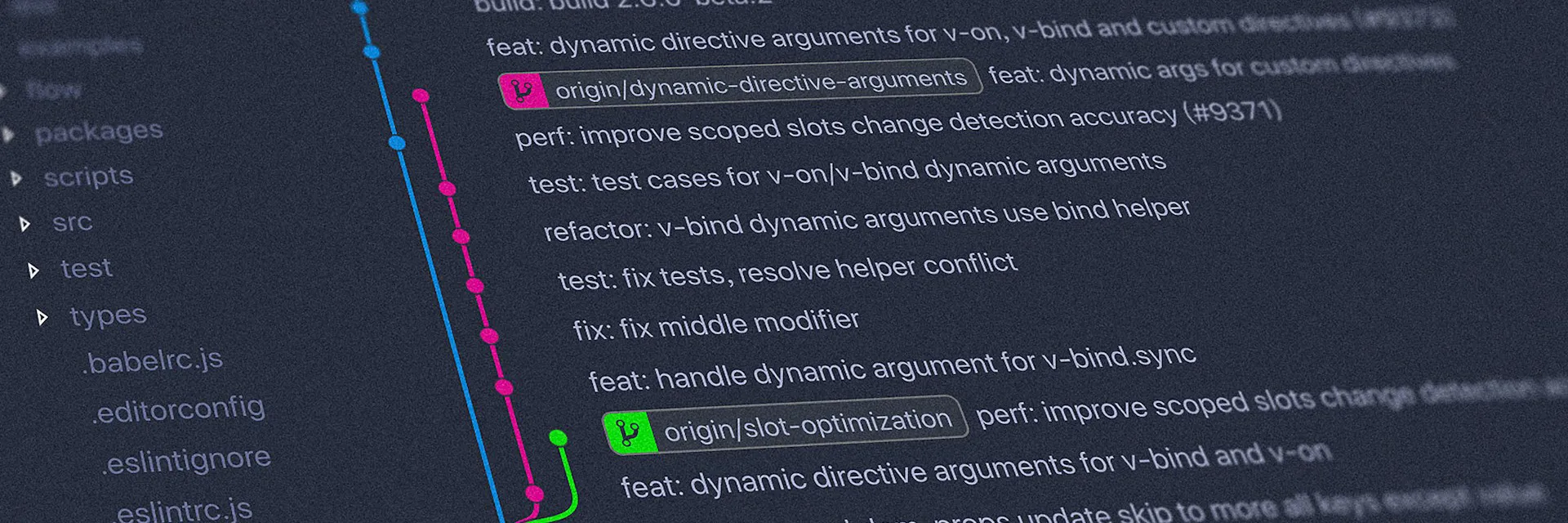
No matter which method you chose, you will need to use Git to manage the files before deployment. If you’ve never used Git, think of it as ‘Incremental Save’ for your entire website. If you break a layout, you can ‘Revert to Last Saved’ with one click. Most guides I’ve listed use GitHub since that is the most common Git service but you can use something like Gitlab if you prefer.
Custom Domains
Most of these services provide a domain for free. For example, this website is also available at https://david-leeduvoisin-com.pages.dev/. If you want to use your own domain, you simply need to purchase you domain from a registrar such as Cloudflare or Namecheap and follow the guide on your hosing service for a custom domain.
Video Hosting
For Video Hosting, I prefer to use Vimeo. It has a global CDN, high-quality playback, and allows for embedding. Most of these free hosting providers limit the size of individual files, and the limit is too small to host a high-quality video.
How to Get Started
- Choose your tool: Pick Astro if you want full control and code-level customization, or Publii if you want a visual, easy-to-use interface.
- Create a GitHub or GitLab Repository: This is where your website files will live. There are many guides on how to do this.
- Create a Cloudflare Account: It’s free to sign up.
- Connect your Repository: In the Cloudflare dashboard, go to “Workers & Pages” and connect your GitHub or GitLab account.
- Deploy: Cloudflare will detect your framework (Astro) and handle the rest. If you’re using Publii, you’ll just enter your Cloudflare API credentials into the app.
And that’s it! Your portfolio is live, secure, and most importantly, free.
Image Attribution
- Cover photo by Igor Miske on Unsplash
- Design section photo by Hal Gatewood on Unsplash
- Space Shuttle photo by NASA on Unsplash
- Git history photo by Yancy Min on Unsplash